
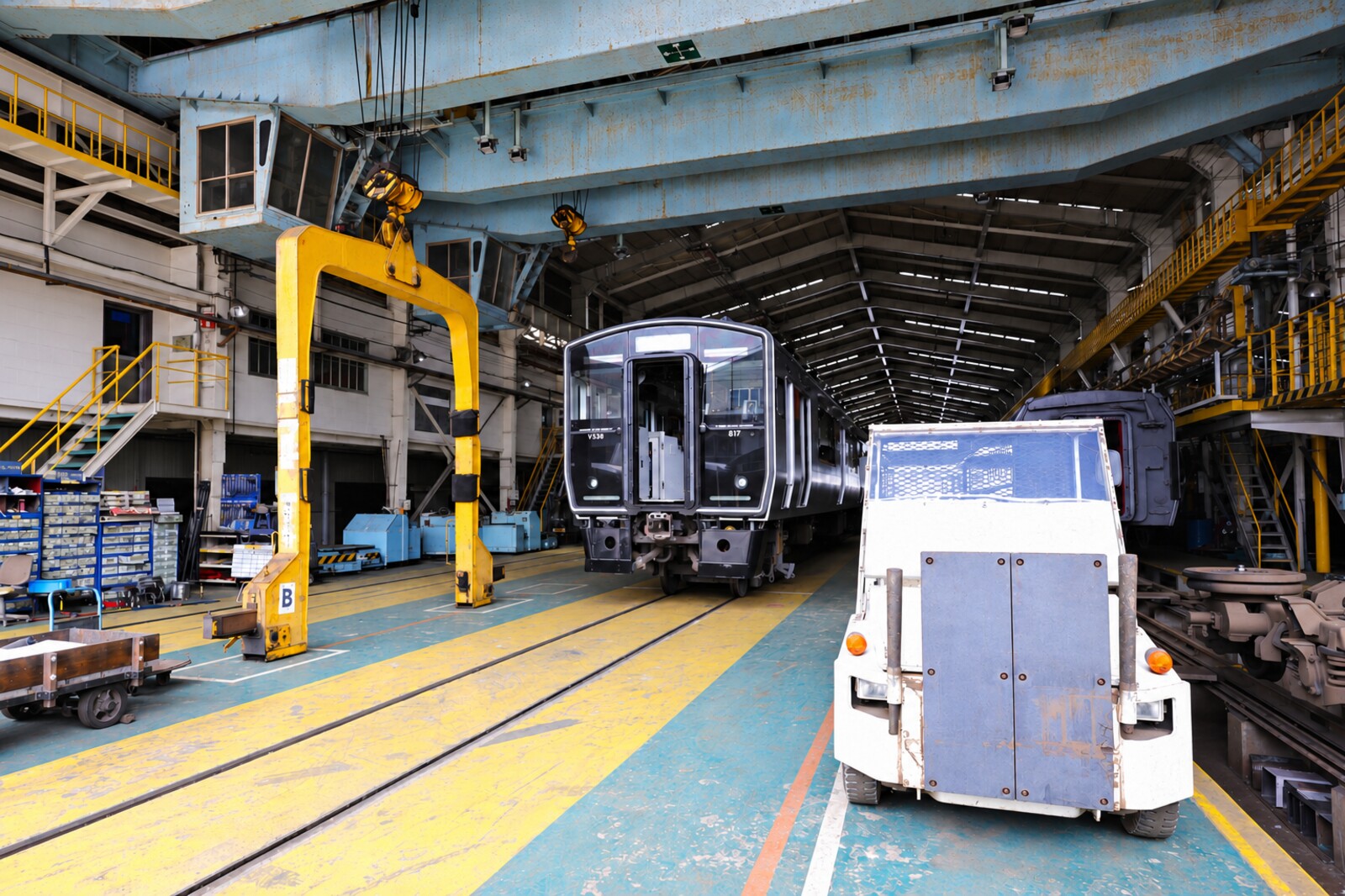
Railway assembly: following every component, step by step
26 November 2026On an assembly line, a part could already be at the next workbench while the records still showed it at the previous one. Today each move is recorded as the part moves.
At a glance
In a plant making railway components, operators wrote down part serial numbers by hand and reported every completed step. They often filled in the records at the end of the shift. Meanwhile, to understand what was happening on the line, the manager had to ask whoever was at the workbench.
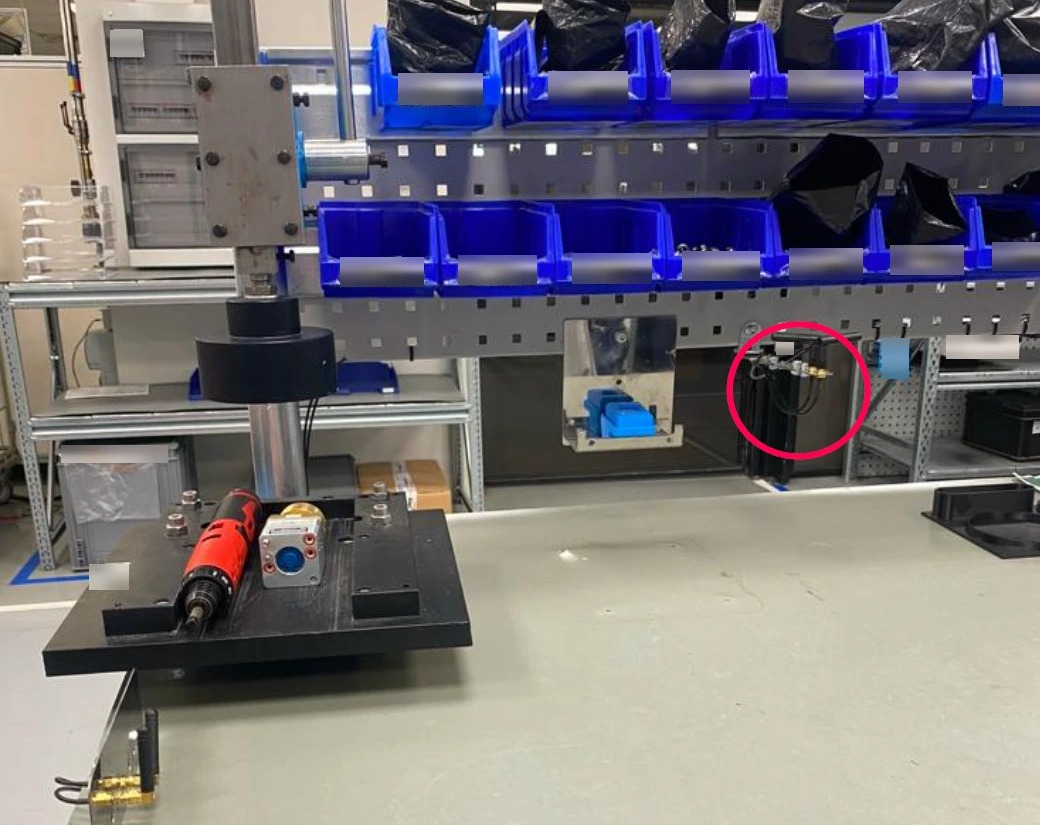
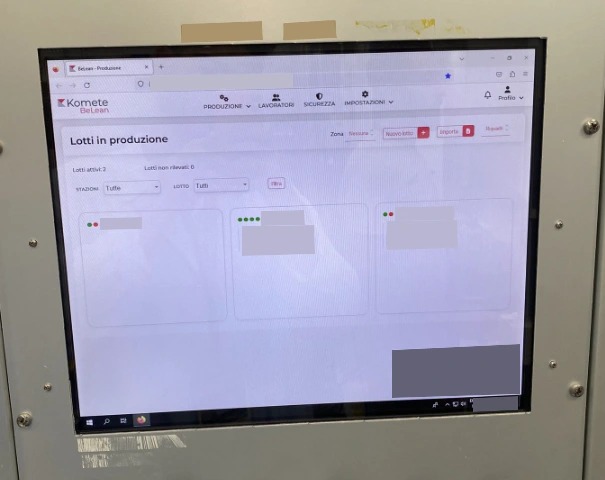
With Komete, a wireless tag travels with the component and readers at the workstations detect each move. Operators check the batches on the line terminal. The manager can see which steps are in progress and for how long.
| Industry | Railway components |
| Scope | Assembly workstations |
| What is tracked | The path of each individual component, identified by its serial number |
| Who uses the data | Line operators and production managers |
The production context
Every component goes through several workstations. Two units of the same product can have different histories, for example if one of them returns to a workbench for rework. To reconstruct the path, you need to know which part moved, where and when.
The challenge
Reports came after the work. Operators had to copy the serial number and record the progress of each step by hand. When several entries piled up at the end of the shift, some moves had no time stamp or were missing altogether.
The manager saw anomalies late. If a part stayed at a workbench longer than expected or repeated a step, it was hard to notice while there was still time to act.
Paper took time away from the workbench. To check the path of a part, the operator had to find the right sheet in the binders and compare it with what had already been reported.
What the shop floor needed
- Follow every component through the production steps, keeping the link to its serial number.
- See during the shift which parts were being worked on and which needed a check at the workbench.
- Cut the time operators spent copying data and searching through paper records.
The solution
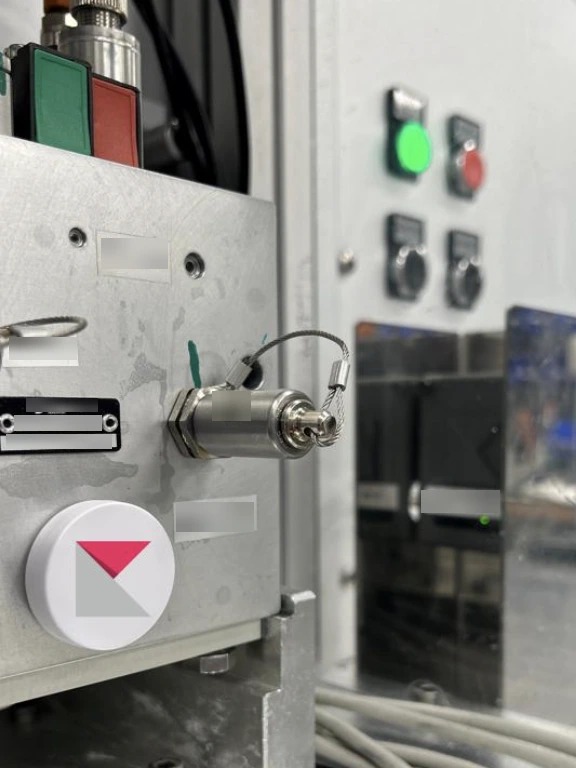
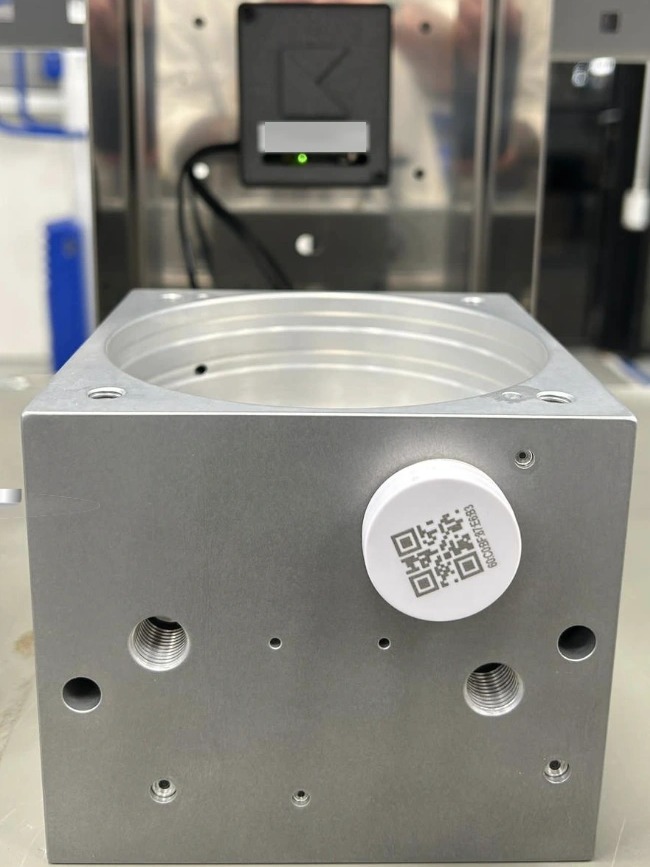
The starting point is the link between the component, identified by its serial number, and the wireless tag that travels with it. When the part moves from one monitored workstation to the next, the reader detects the tag and Komete updates the step. The operator no longer has to report that move again.
What the software shows
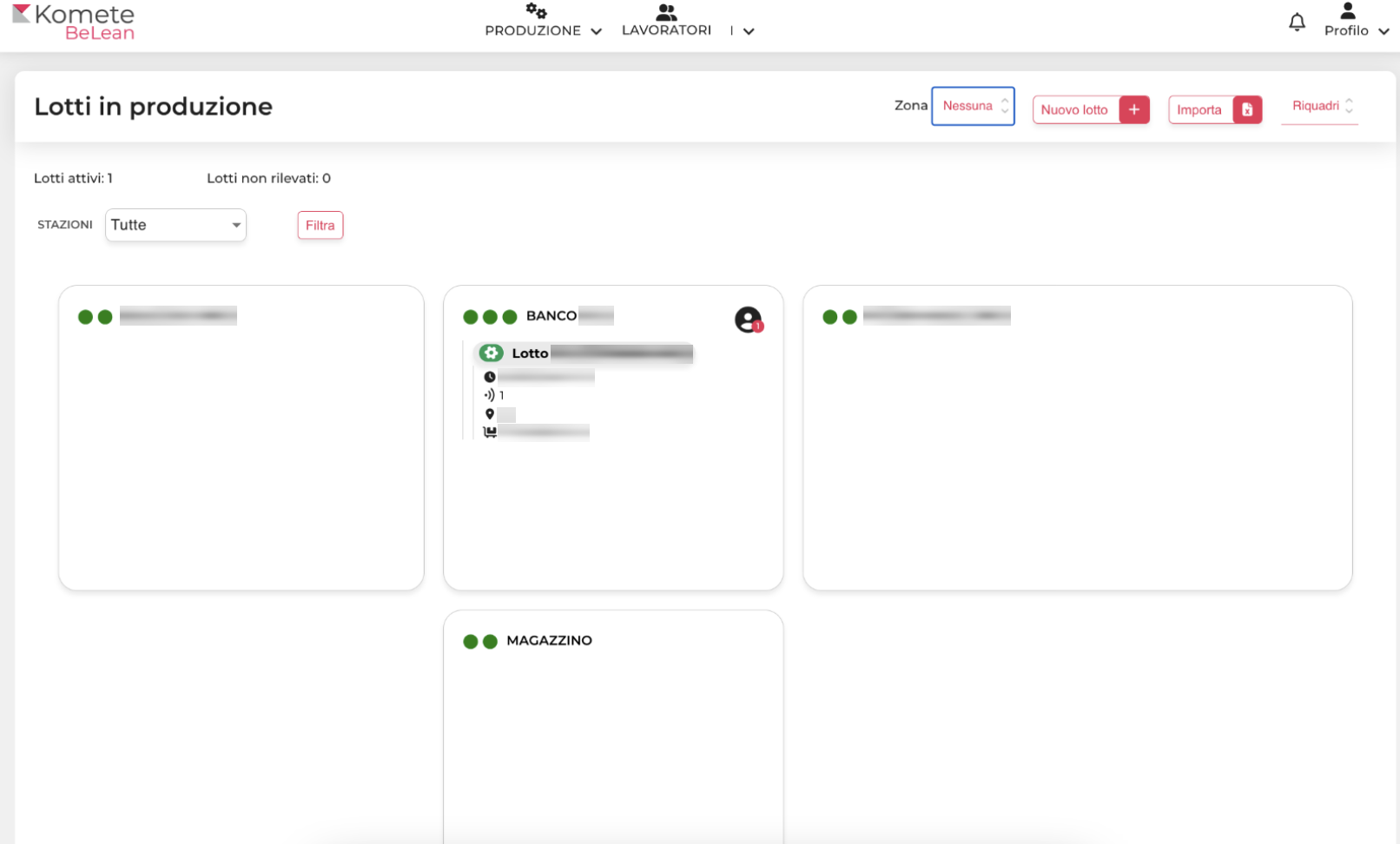
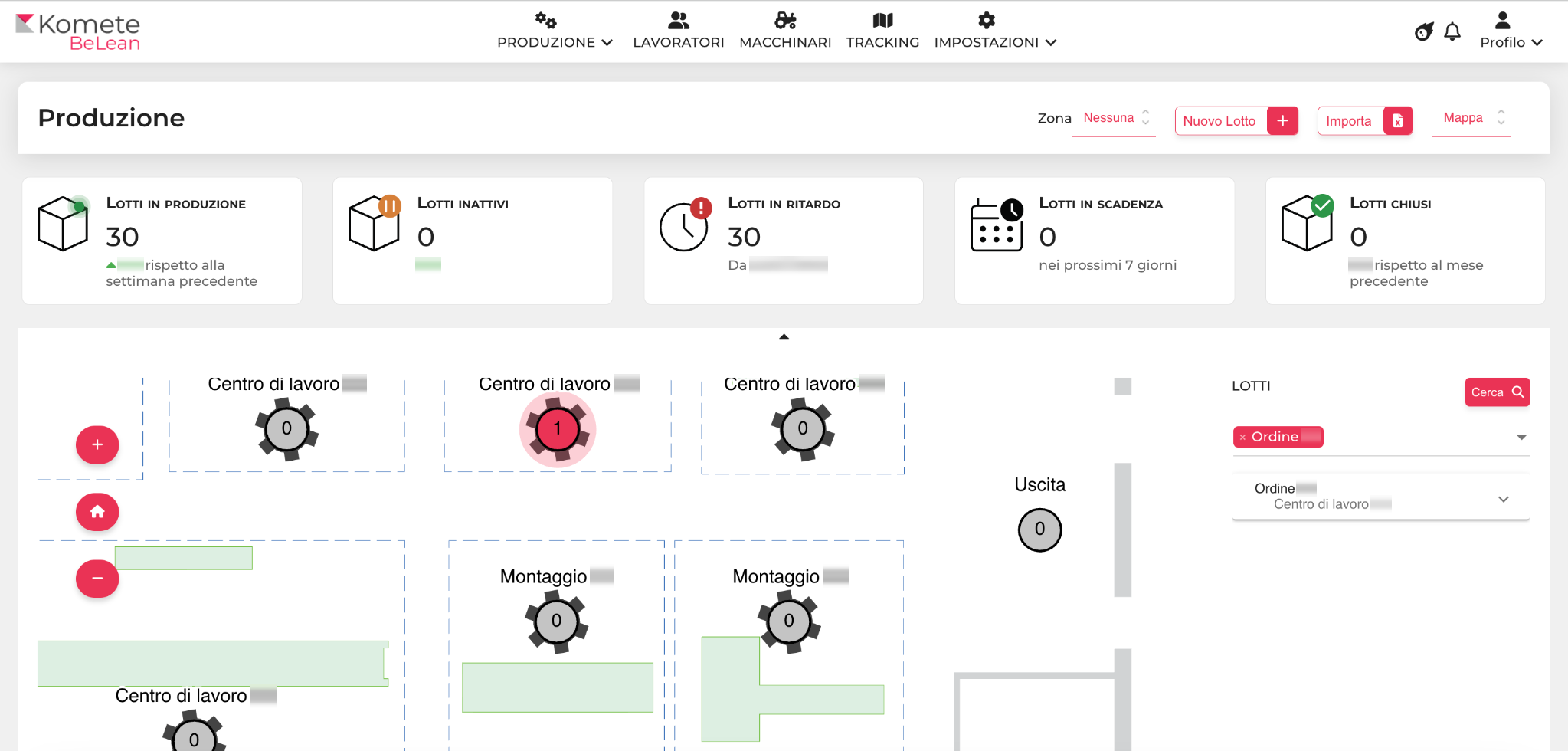
- On the line. The production view groups batches by workstation. The operator can see which parts are at the workbench at that moment.
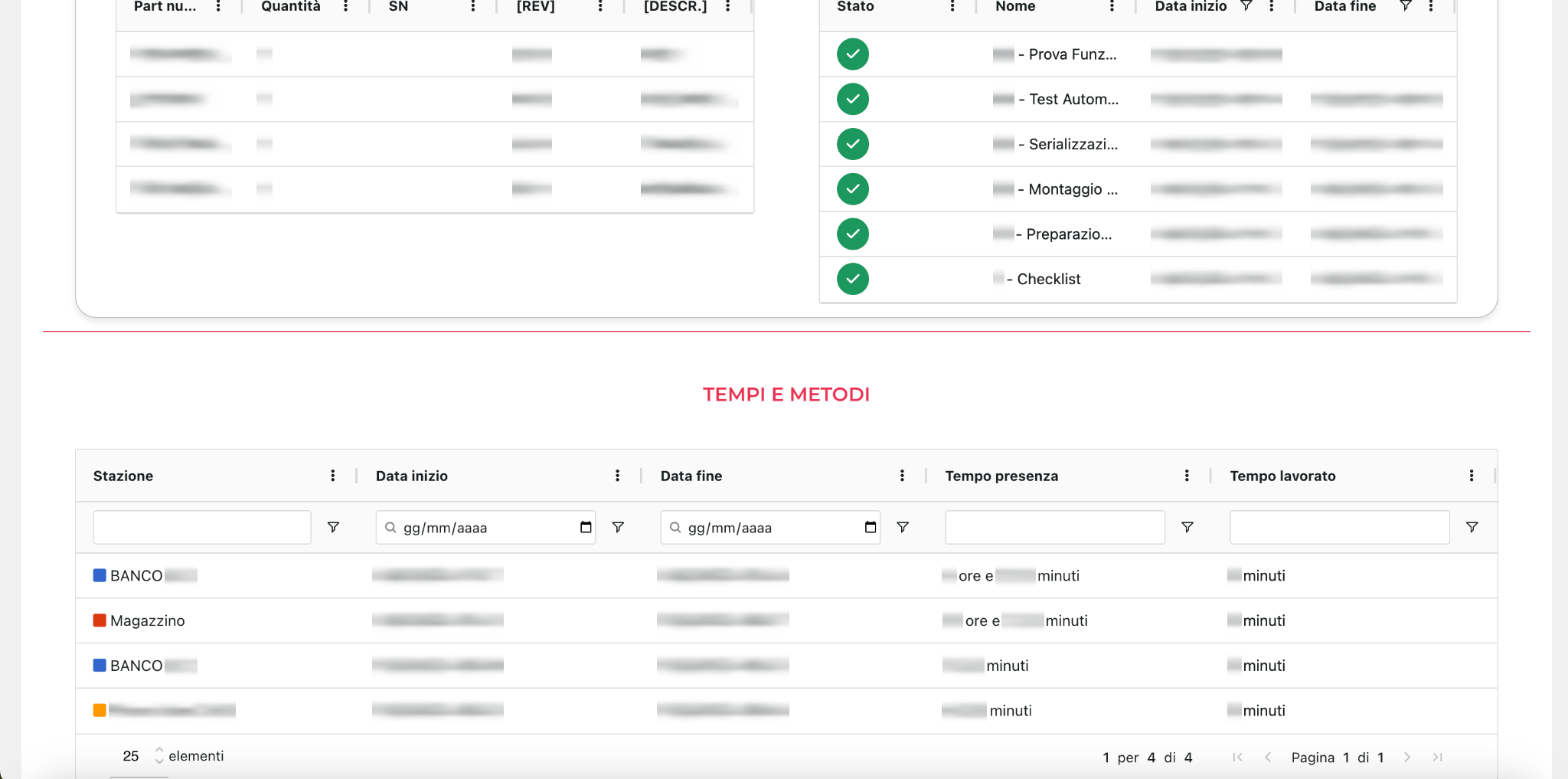
- In the batch record. The manager finds the serial number, start and end times and the sequence of steps. They can compare the total duration of the path with the recorded work time.
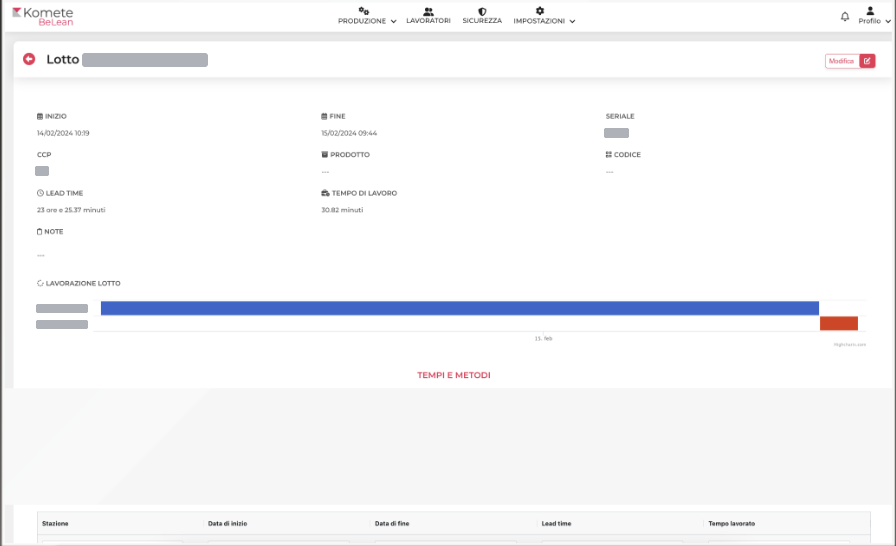
For the batch shown, 23 hours and 25 minutes passed between start and finish, with about 31 minutes of recorded work. The first figure also includes the time between shifts. To decide where to look further, the manager can start from the longest stretch and check at the workbench what happened.
The results
For the operator
The detected moves feed the history of the part. The operator spends less time updating the production status and can find the sequence of steps on the terminal, even when work started during the previous shift.
For the line manager
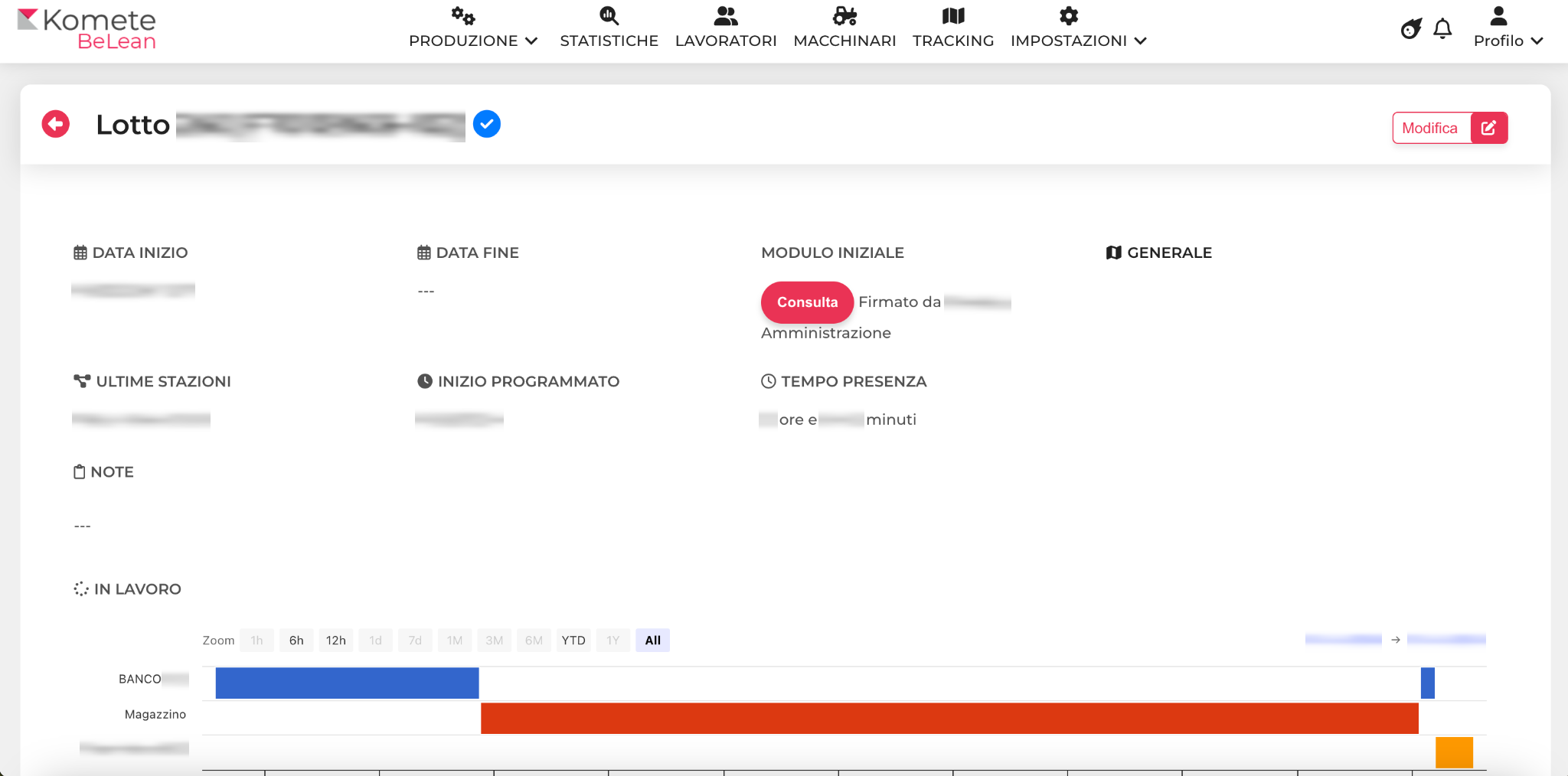
During the shift, the line manager can see where the component is and how long it has been at that step. If it stays longer than usual, they know which workbench to go to and find out whether the part is still being worked on, is waiting or needs action.
For process analysts
The history by serial number makes it possible to compare the paths of similar parts. If one has returned to a workstation it had already been through, the manager can spot that move and discuss it with the operator.
How can you follow a component along your line?
Find out how Komete connects the physical movement of parts to production progress.